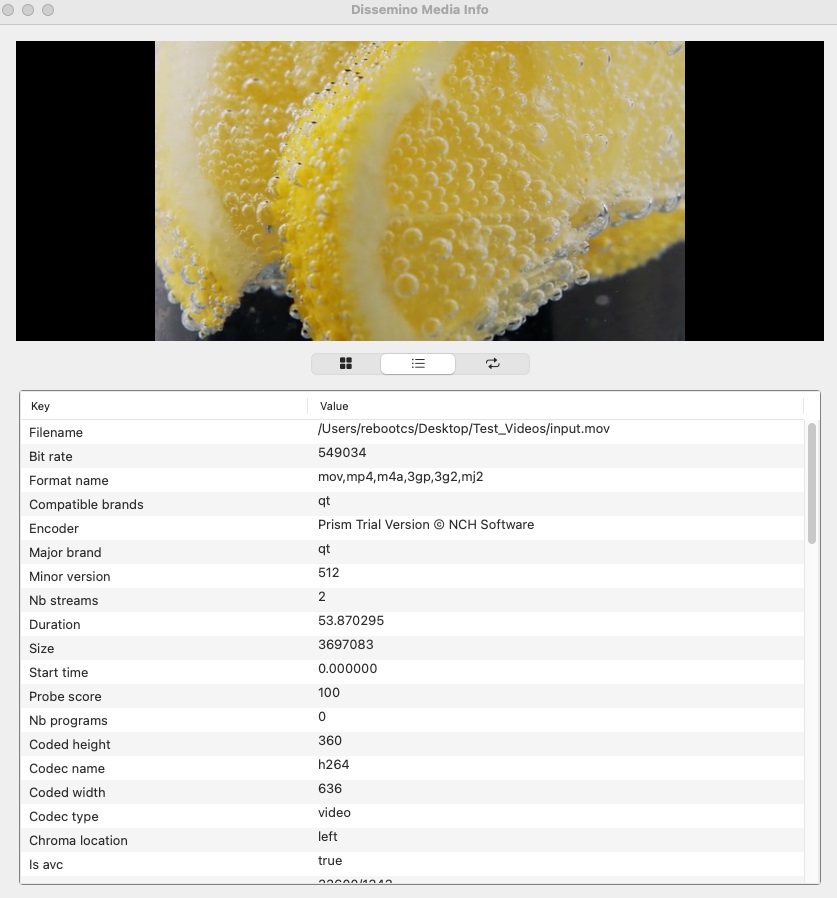
Unlocking the Secrets of MediaInfo: A Closer Look at Media File Analysis
Media files play a crucial role in our daily lives, whether we are consuming entertainment, conducting business, or communicating with others. However, not many people are aware of the intricacies of media files and the valuable information they contain. This is where MediaInfo comes in – a powerful tool that allows users to unlock the secrets of media files through detailed analysis. In this blog post, we will take a closer look at MediaInfo and how it can help users better understand and manage their media files.
What is MediaInfo?
MediaInfo is a free and open-source tool that provides users with detailed information about audio and video files. It is available for Windows, macOS, and Linux, making it accessible to a wide range of users. MediaInfo can analyze a wide variety of media file formats, including MP3, WAV, AVI, MP4, and more. By simply opening a media file in MediaInfo, users can access a wealth of information about the file, such as its format, duration, bitrate, resolution, and codec information.
Why is MediaInfo important?
MediaInfo is important for a number of reasons. Firstly, it allows users to quickly and easily access detailed information about their media files, which can be useful for troubleshooting playback issues or ensuring compatibility with different devices. Additionally, MediaInfo can help users identify the quality of their media files, such as whether they are encoded at a high bitrate or resolution. This information can be valuable for users who are looking to optimize their media files for different purposes, such as streaming or archival.
How to use MediaInfo?
Using MediaInfo is simple and straightforward. Users can either open a media file directly in the MediaInfo application or right-click on a file in their file explorer and select "MediaInfo" from the context menu. Once the file is opened in MediaInfo, users can navigate through different tabs to access information about the file's general properties, audio and video streams, and more. Users can also customize the information displayed in MediaInfo by selecting which properties they want to view and changing the layout of the information.
Benefits of MediaInfo
There are several benefits to using MediaInfo. Firstly, MediaInfo provides users with a comprehensive overview of their media files, allowing them to quickly assess the quality and compatibility of their files. This can be particularly useful for users who work with a large number of media files and need to quickly identify specific properties. Additionally, MediaInfo is a versatile tool that can be used for a wide range of purposes, from troubleshooting playback issues to optimizing media files for different platforms. Overall, MediaInfo is a valuable tool for anyone who works with media files on a regular basis.
Conclusion
In conclusion, MediaInfo is a powerful tool that allows users to unlock the secrets of their media files through detailed analysis. By providing users with comprehensive information about their media files, MediaInfo can help users better understand and manage their files, as well as optimize them for different purposes. Whether you are a casual media consumer or a professional working with media files, MediaInfo is a valuable tool that can enhance your media experience. So next time you come across a media file and want to know more about it, consider using MediaInfo to unlock its secrets.